
Home Recording: Reality Check
Let’s be realistic about home recording on a $500 budget. You aren’t building a professional studio, but you can create surprisingly good-sounding recordings. The goal is to get usable tracks, learn the process, and have fun. Don't expect pristine, album-quality results immediately, but that shouldn't discourage you. It's about starting somewhere and building from there.
The biggest bottlenecks for beginners are usually the audio interface and the room acoustics. A cheap interface can introduce noise and latency, while a bad-sounding room will make even the best gear sound muddy. We’ll focus on minimizing these issues. Spending a little extra on the interface and learning basic mic placement techniques can yield significant improvements.
Compromises are inevitable at this price point. You might have to choose between a new guitar and a better microphone, or a more versatile interface and some acoustic treatment. Prioritize the areas that will have the biggest impact on your sound. Don’t get bogged down in chasing perfection. Good enough is often good enough, especially when you're learning.
Many people get caught up in wanting the latest and greatest gear. While nice, it’s more important to understand the fundamentals of recording and mixing. A solid understanding of these principles will take you much further than expensive equipment. Focus on learning how to get the best out of what you have, rather than constantly chasing upgrades.
Guitars: Finding Value in 2026
The used market is absolutely your friend when you're on a tight budget. You can often find excellent guitars for a fraction of the price of a new instrument. Websites like Reverb and eBay are great places to start. Be patient and do your research. Don't be afraid to ask questions and examine photos carefully.
New guitars under $250 can be a mixed bag. Some brands consistently deliver good value, though. I’ve been seeing a lot of positive buzz around Cort guitars recently, especially after their presence at the 2026 NAMM show (youtube.com: The Cheap Guitar Companies Are Eating Themselves - YouTube). They seem to be offering a lot of features and quality for the money.
Squier, Yamaha, and Ibanez are also reliable choices. Squier Affinity series guitars are a popular starting point, while Yamaha Pacifica models are known for their versatility. Ibanez guitars are often favored by rock and metal players. Don’t dismiss lesser-known brands either; some consistently deliver good quality at a lower price point.
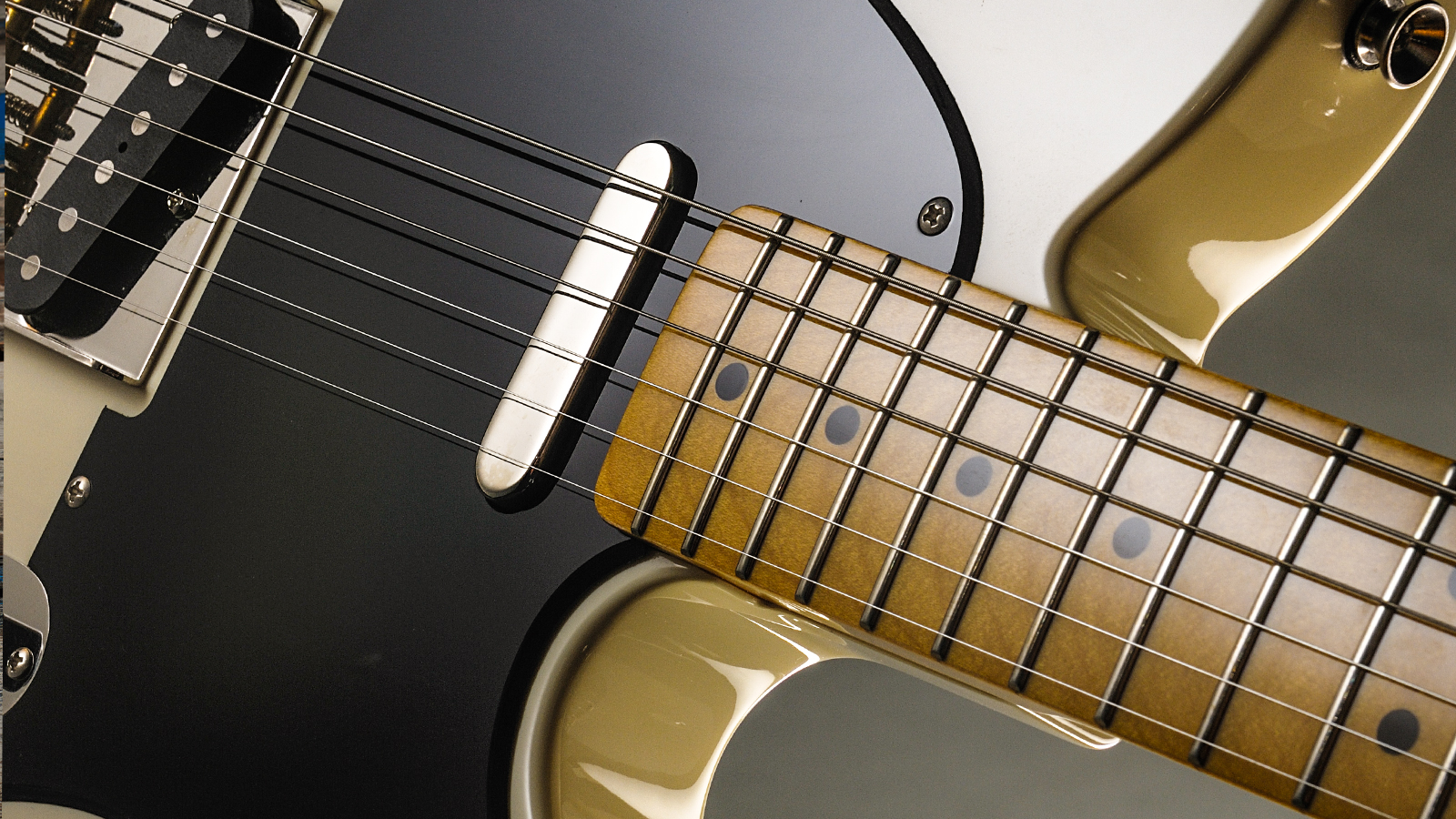
When choosing a guitar for recording, consider the pickups. Humbuckers are great for heavier tones, while versatile single-coils can cover a wide range of genres. A guitar with a coil-split function can offer even more tonal options. Ultimately, the best guitar is the one that feels and sounds the best to you.
Featured Products

Classic Stratocaster body style · Maple fingerboard for bright tone · Versatile pickup configuration
This Squier Stratocaster offers a classic look and feel with versatile tones, making it a solid foundation for home recording.

Humbucker and single-coil pickups · Comfortable body contour · Smooth tremolo system
The Yamaha Pacifica PAC112V is renowned for its exceptional playability and balanced sound, providing a reliable instrument for various recording styles.

Fast-playing neck profile · Versatile pickup combination · Modern aesthetic
The Ibanez GIO GRX70QA delivers a modern feel and versatile sound options, suitable for players exploring a range of genres in their home studio.

Thinline acoustic-electric body · Includes gig bag and picks · Suitable for acoustic and amplified sound
This affordable acoustic-electric guitar from Jameson provides the option for both natural acoustic tones and amplified output, ideal for singer-songwriters recording at home.

Classic Les Paul shape · Dual humbucker pickups · Satin finish for smooth feel
The Epiphone Les Paul Special Satin E1 offers the iconic Les Paul sound and feel at an accessible price, perfect for capturing powerful tones in your home recordings.
As an Amazon Associate I earn from qualifying purchases. Prices may vary.
Audio Interfaces: The Heart of Your Setup
This is the component where you really shouldn’t skimp too much. A decent audio interface is essential for clean, low-noise recordings. It converts your analog guitar signal into a digital signal that your computer can understand. The quality of this conversion directly impacts your sound.
The Focusrite Scarlett Solo and 2i2 remain popular choices and are generally reliable. They’re easy to use and offer good sound quality for the price. However, there are new contenders emerging. The PreSonus Studio 24c has been getting positive reviews for its preamps, and it’s worth considering.
Low latency is crucial. Latency is the delay between when you play a note and when you hear it through your computer. High latency can make it difficult to play in time. The interface should have drivers that minimize latency. Phantom power is also important if you plan to use condenser microphones.
USB is the most common connection type for budget interfaces. Thunderbolt offers lower latency and higher bandwidth, but it's usually found on more expensive interfaces. At this price point, USB is generally sufficient. Don't get hung up on Thunderbolt unless you have a specific need for it. A stable USB connection is more important.
Microphones: Capturing Your Tone
You don't need to spend a fortune on a microphone to get a good guitar sound. The Shure SM57 is an industry standard for a reason. It's versatile, durable, and sounds great on almost anything – electric guitars, acoustic guitars, vocals, drums. It’s a workhorse.
For under $100, you can easily find a used SM57 in good condition. It’s a worthwhile investment. Condenser microphones offer more detail and sensitivity, but they require phantom power (supplied by your audio interface) and are more susceptible to picking up room noise.
There are some affordable condenser options available, such as the Audio-Technica AT2020. These can be a good choice if you have a quiet recording environment. However, the SM57 is often the better choice for beginners due to its simplicity and forgiving nature.
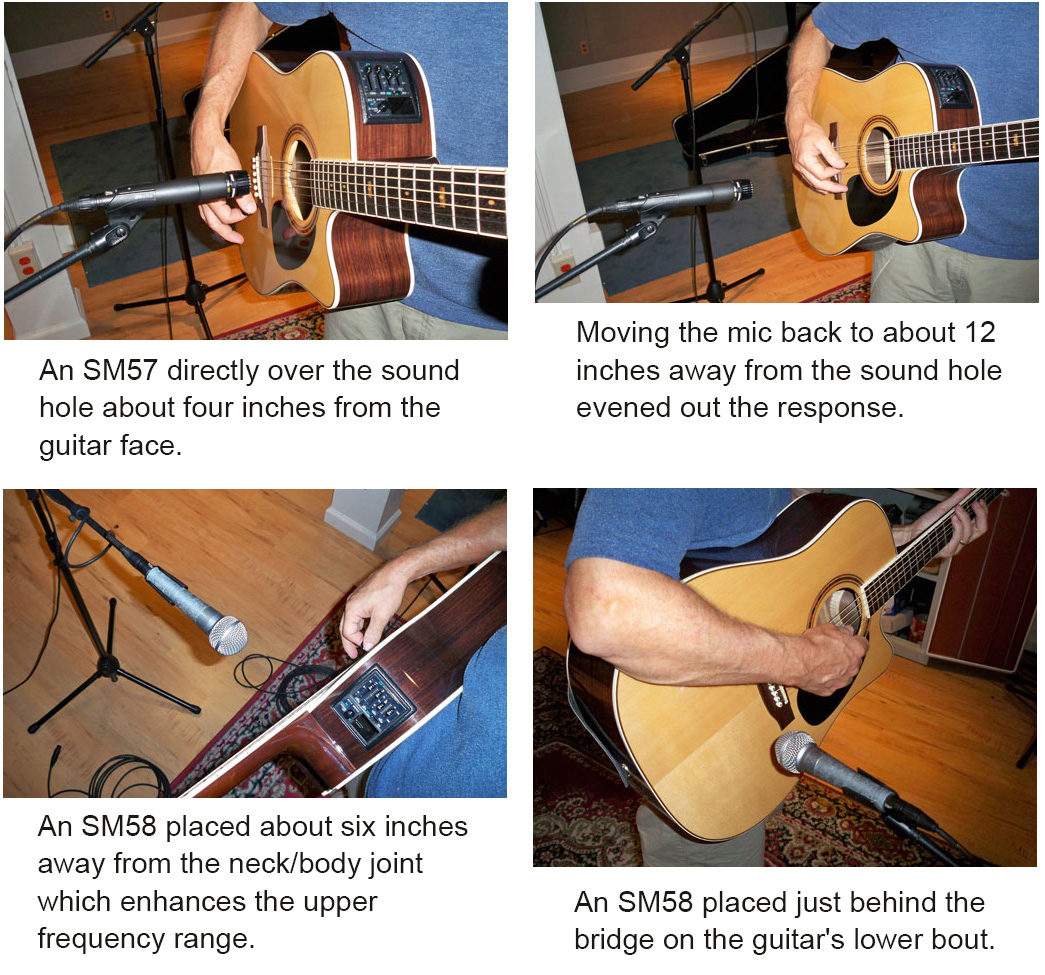
Microphone placement is critical. Experiment with different positions to find the sweet spot. Start by pointing the microphone at the center of the speaker cone, then move it slightly off-axis to adjust the tone. Small adjustments can make a big difference. Don’t underestimate this!
DAW Software: Free and Affordable Options
Digital Audio Workstations (DAWs) can be expensive, but thankfully there are excellent free and affordable options available. GarageBand (for Mac users) is surprisingly powerful and easy to use. It’s a great starting point for beginners.
Cakewalk by BandLab is a fully-featured DAW that's completely free. It offers a wide range of features and is suitable for more advanced users. Reaper is another excellent option. It's very affordable and has a generous trial period. It’s known for its customization options.
When choosing a DAW, consider your operating system and your experience level. GarageBand is a great choice for Mac users who are new to recording. Cakewalk and Reaper are more versatile options for users who want more control.
The basics of recording, editing, and mixing are the same regardless of which DAW you use. Learn how to record audio tracks, edit waveforms, and apply effects like EQ and compression. Don't get overwhelmed by the complexity of the software; start with the fundamentals.
Cables, Headphones, and Accessories
Don’t forget the seemingly small things! Good quality instrument cables are essential for minimizing noise and signal loss. Cheap cables can introduce unwanted hum and crackle. Spend a little extra to get cables that are well-shielded and durable.
Closed-back headphones are important for monitoring while recording. They prevent sound from leaking into the microphone, which can cause feedback and unwanted artifacts. Avoid open-back headphones for recording.
A decent microphone stand and pop filter will also improve your recordings. A mic stand keeps the microphone stable, while a pop filter reduces plosives (those harsh “p” and “b” sounds). These accessories don’t need to be expensive, but they’re worth the investment.
Acoustic treatment can significantly improve your room's acoustics. Even simple things like hanging blankets or placing pillows around the room can help absorb sound reflections. Dedicated acoustic panels are more effective, but they can be expensive.
Essential Home Recording Gear Under $500: Your Budget Studio Toolkit

10-foot length · Right-angle connector · Braided jacket
A dependable and affordable cable is crucial for clean signal transmission in any recording setup.

Professional sound quality · Comfortable earcups · Durable construction
Accurate monitoring is essential for making informed mixing decisions, and these headphones provide a clear listening experience on a budget.
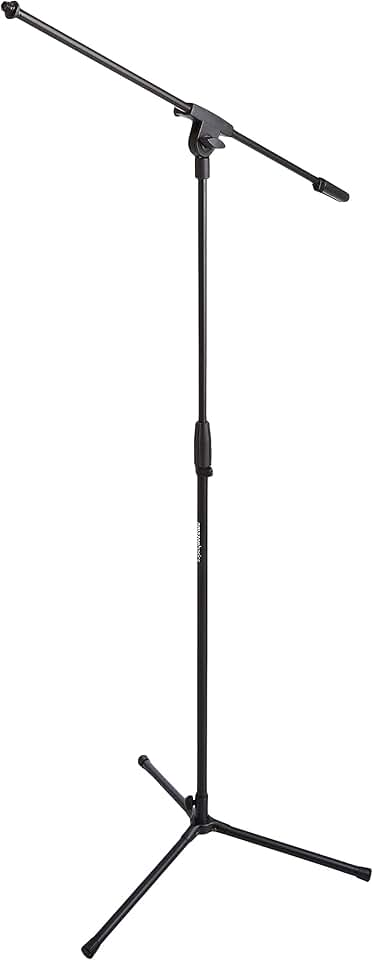
Height adjustable · Foldable tripod base · Cable management clips
A boom arm offers superior microphone positioning flexibility compared to standard stands, improving recording ergonomics and sound quality.
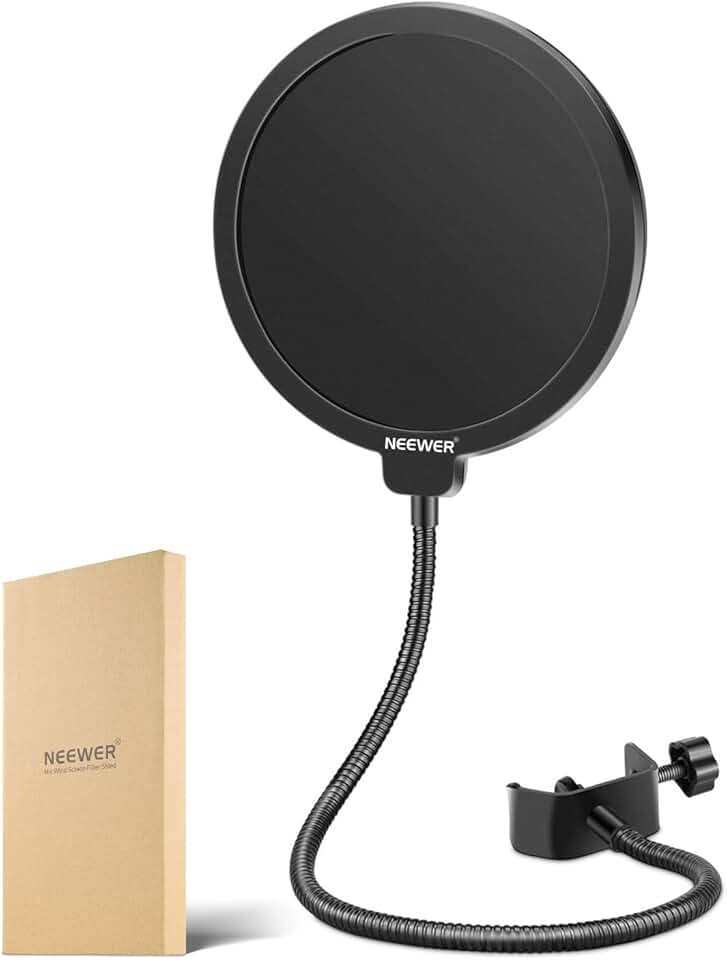
Dual-layer pop filter · Reduces plosives · Flexible 360-degree gooseneck
A pop filter is a simple yet vital accessory for clean vocal recordings, preventing unwanted 'pops' and improving clarity.
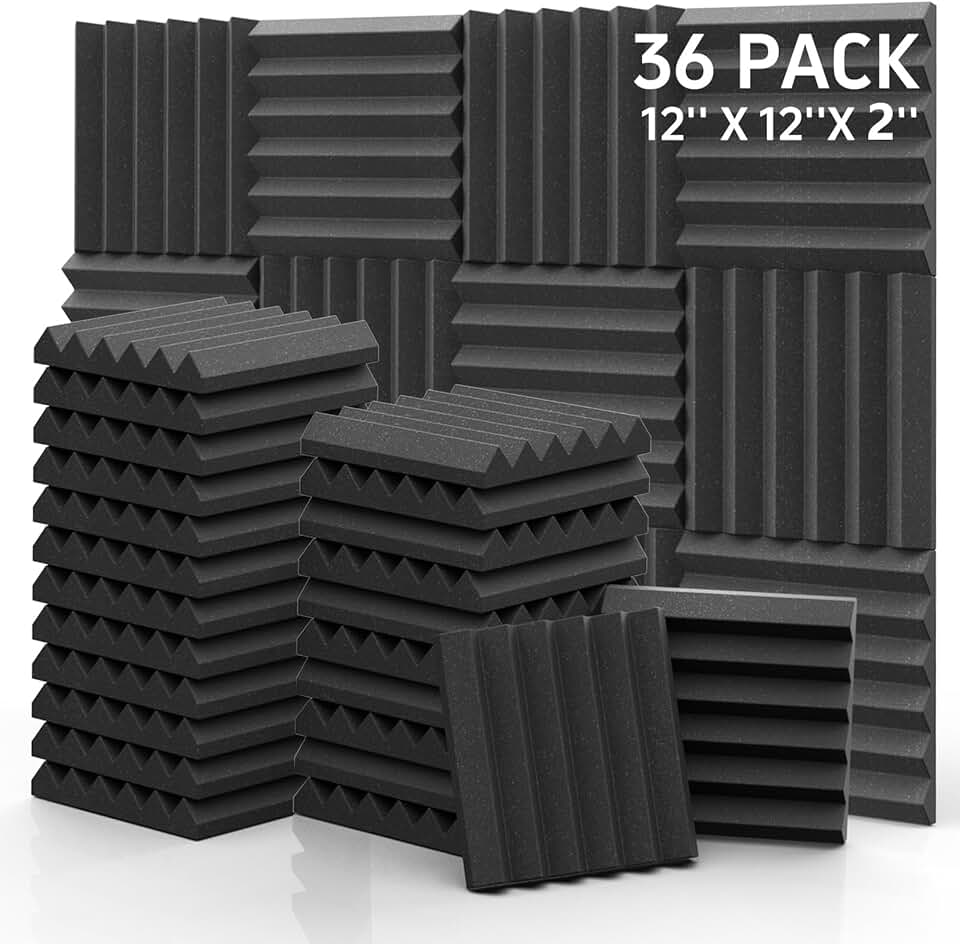
36-pack coverage · 2-inch thickness · Wedge design
Improving room acoustics with these panels will significantly enhance the clarity and professionalism of your home recordings by reducing unwanted reflections.
As an Amazon Associate I earn from qualifying purchases. Prices may vary.
NAMM 2026 Standouts: Budget Gear
The recent NAMM show (youtube.com: These Budget Guitars Stopped Everyone at NAMM - YouTube) showcased some exciting new budget-friendly gear. Harley Benton continues to impress with their wide range of affordable instruments and amplifiers. They consistently offer excellent value for the money.
Cort guitars are also getting a lot of attention. Their new models offer improved build quality and features compared to previous iterations. The NAMM coverage highlighted their commitment to providing high-quality instruments at accessible price points.
I was surprised by the quality of some of the affordable amp simulators and effects pedals on display. Companies are now offering digital modeling technology at incredibly low prices. These can be a great way to experiment with different tones without breaking the bank.
Jet Guitars, also featured in the coverage, are another brand to watch. They’re focusing on innovative designs and high-quality components at competitive prices. It's good to see companies actively competing in the budget segment and pushing the boundaries of what's possible.
Putting It All Together: Example Setups
Let’s look at a few example setups based on different budgets. A $300 setup could include a used guitar (around $100-$150), a Focusrite Scarlett Solo ($100), a Shure SM57 ($80), and Reaper (free trial, then $60 for a discounted license).
A $500 setup could consist of a new Squier guitar ($200-$250), a PreSonus Studio 24c ($150), an SM57 ($80), and GarageBand (free for Mac users). This setup provides a solid foundation for home recording.
As your budget allows, consider upgrading your microphone, audio interface, or headphones. A better microphone can significantly improve your recordings. A more versatile audio interface will give you more input and output options. Quality headphones will provide a more accurate representation of your sound.
I really think the $500 setup is a sweet spot for getting started. It provides a good balance of quality and affordability. It's enough to get you recording and learning without breaking the bank. Remember, the most important thing is to start creating music.
Budget Home Recording Setups (2026)
| Component | $300 Setup (Approx. Cost) | $500 Setup (Approx. Cost) | Pros | Cons |
|---|---|---|---|---|
| Guitar | $150 - $200 (e.g., Squier Affinity, Yamaha Pacifica 112V) | $250 - $350 (e.g., Cort G280DX, PRS SE Standard 24) | Better build quality and components in the $500 setup. Wider range of tonal options. | The $300 guitar may require setup adjustments. Limited tonal palette compared to the $500 option. |
| Audio Interface | $70 - $100 (2-in/2-out, basic USB interface) | $150 - $200 (2-in/2-out, improved preamps & converters) | Improved sound quality and lower latency in the $500 setup. More reliable drivers. | Basic interfaces can introduce noise or latency. Limited inputs/outputs in both setups. |
| Microphone | $50 - $75 (Dynamic microphone, e.g., Shure SM58) | $100 - $150 (Condenser microphone, e.g., Audio-Technica AT2020) | Condenser mics offer greater detail and sensitivity. Dynamic mics are more durable and handle louder sources. | Condenser mics require phantom power. Dynamic mics may not capture subtle nuances. |
| Headphones | $30 - $50 (Closed-back monitoring headphones) | $75 - $100 (Open-back or improved closed-back) | Better frequency response and comfort in the $500 setup. More accurate monitoring. | Budget headphones may lack clarity. Open-back headphones leak sound. |
| Digital Audio Workstation (DAW) Software | Free (e.g., GarageBand, Cakewalk by BandLab) | Free/Entry-Level Paid (e.g., Reaper - discounted license) | Free DAWs are a great starting point. Reaper offers a flexible and affordable upgrade. | Free DAWs may have limited features. Paid DAWs require a learning curve. |
| Cables & Accessories | $20 - $30 (Instrument cable, XLR cable, picks) | $30 - $50 (Higher-quality cables, mic stand) | Better cable quality reduces noise and improves signal integrity. Mic stand provides stability. | Cheap cables can be unreliable. Accessories add to the overall cost. |
Illustrative comparison based on the article research brief. Verify current pricing, limits, and product details in the official docs before relying on it.
No comments yet. Be the first to share your thoughts!